The following is a useful starting point in getting started with your TC Bar and configuring within Control Cockpit.
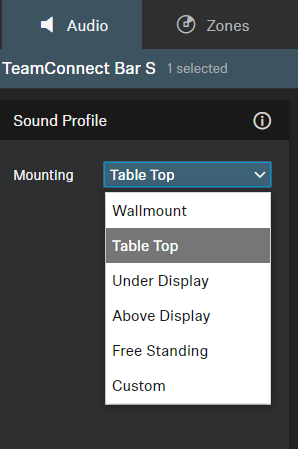
Sound Profile options [Audio tab]:
Optimized EQ presets defined by how the unit is mounted.
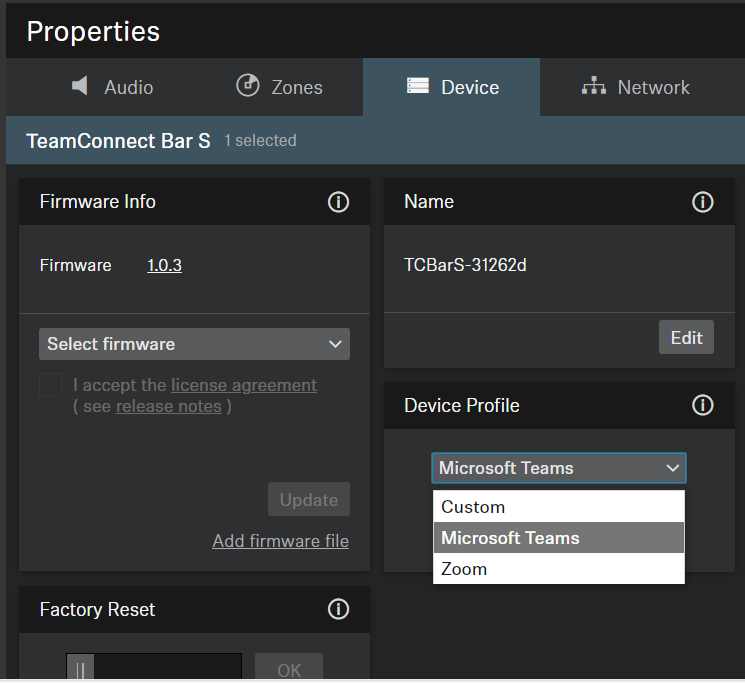
Device Profile [Device tab]:
Changing the profile resets the camera and reboots the TC Bar, dependent on the end utilization-
Custom- allows for full customization of the TC Bar's camera settings and HDMI Output enablement.
Microsoft Teams- predefined setting which disables the HDMI Output, and further optimizes settings for Microsoft Teams utilization.
Zoom- predefined setting, camera zoom settings might be altered to fit Zoom specifications.
Automix Priority [Audio tab]
As the TC Bar has up to two external Dante inputs configurable for external microphone channels (Ext. CH 1 and Ext. CH 2 and routable in Dante), they can be balanced against the TC Bar's internal microphone here.
The Dante inputs are managed via an integrated automixer, whereby the priority of the channels, including the internal microphone array, can be set via individual faders.
The settings via the Automix Priority only manage the priority of the selected channel; it has no influence on the actual gain level of the connected microphones. Reducing the level by the corresponding control fader will add a virtual level reduction to the channel that makes it less likely to be selected by the automixer.
The level meters show the signal level of the inputs and the internal microphone array PRE fader and also PRE virtual level reduction. Moving the faders therefore does not change the displayed levels.
If you want to prioritize a single channel from the selection, you will have to reduce the virtual gain reduction of the other two channels.
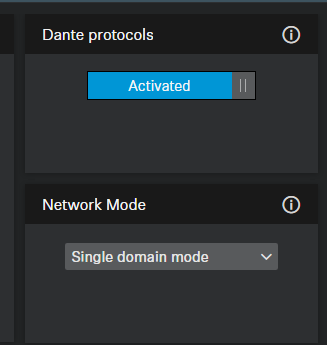
Dante Protocols [Network tab]:
Must be enabled for Dante deployment. Network Mode can then be selected and optizmized for your set up. Routing to and from the bar is set via Dante Controller.
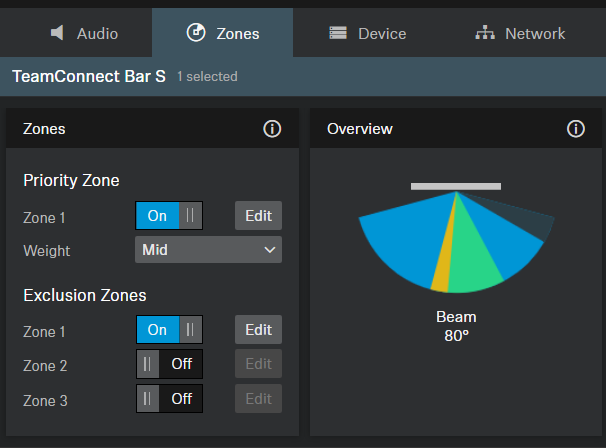
Zones [Zones tab]:
Tracks the beam in real time and allows for any Exclusion Zones / Priority Zone configuration.
Exclusion zones are dark and manually configured based on noise sources in the room.
Prioritized areas are in green and can be weighted. Regular coverage area is blue.
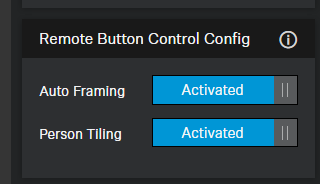
Controlling Auto Framing/Tiling [Camera tab]:
Controlled by the remote control.
Auto Framing allows for all participants in an area to be in the field of vision with the TC Bar's camera.
Person Tiling brings every participant onto their own tile.