New to the TCC M is a process to claim each TCC M for use as a security measure. This acts as a password protection process for prohibiting unintended/unnecessary access to the microphone.
The microphone will be in a muted state prior to claiming the unit.
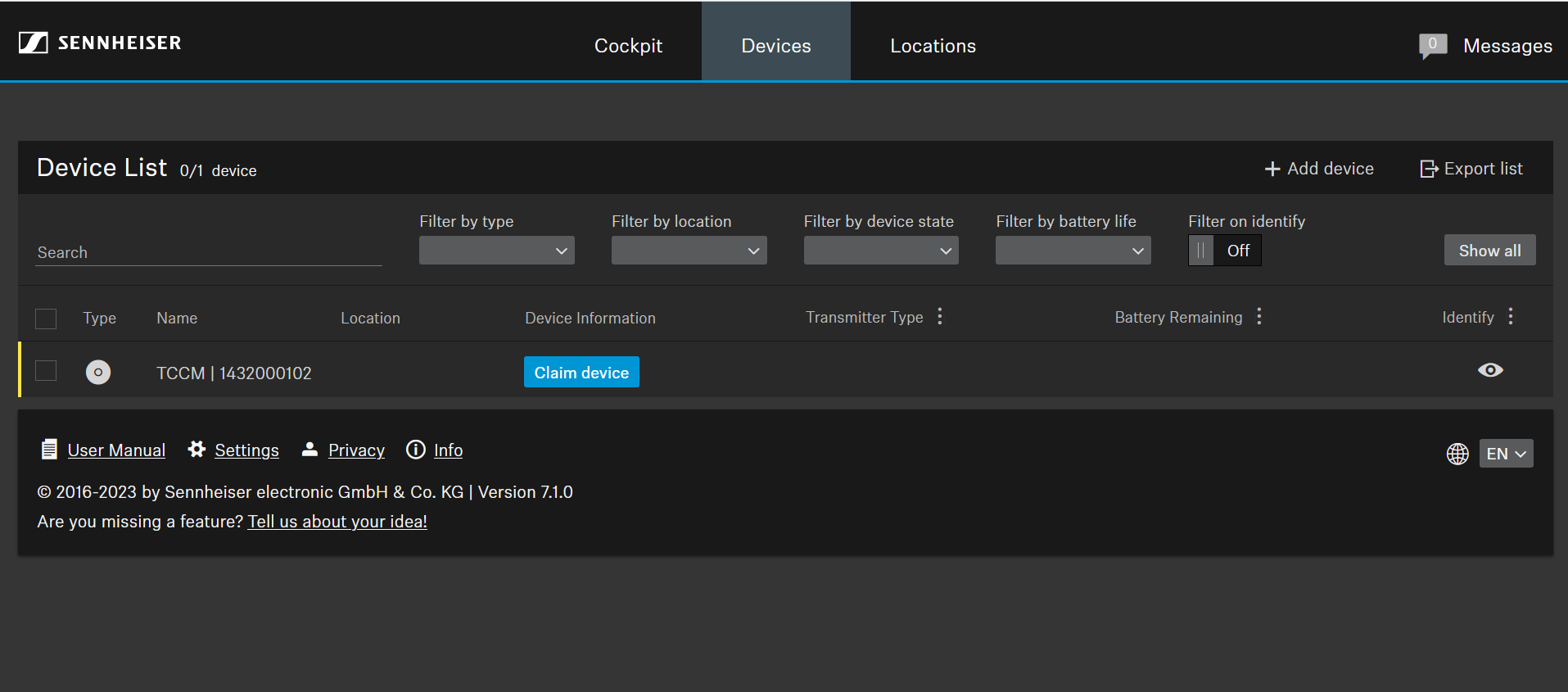
1. Upon launching Sennheiser Control Cockpit for the first time, you will see the TCC M listed with its serial number a blue Claim device button.
Press the Claim device button to begin:
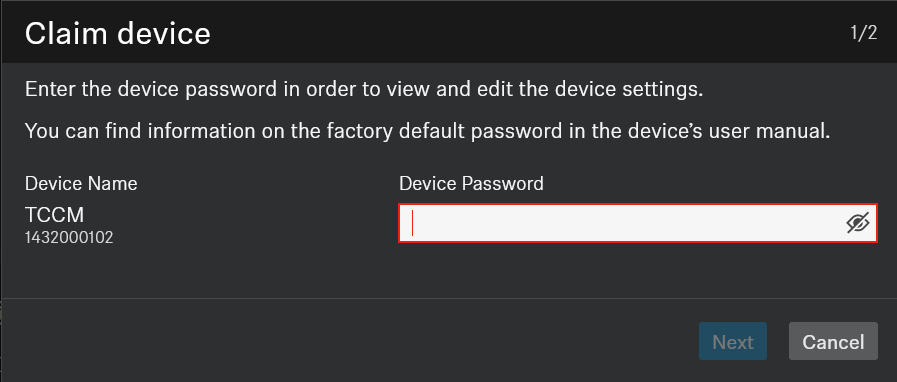
2. Enter the default password found on the device/printed label: sennheiser
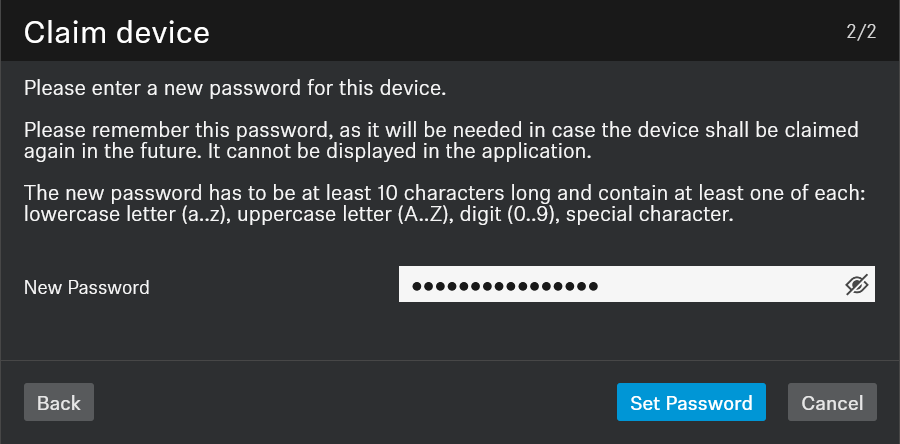
3. Create a new password, note it if necessary. Anyone who wishes to remote access or control this device will need this password.
Press Set Password once ready.
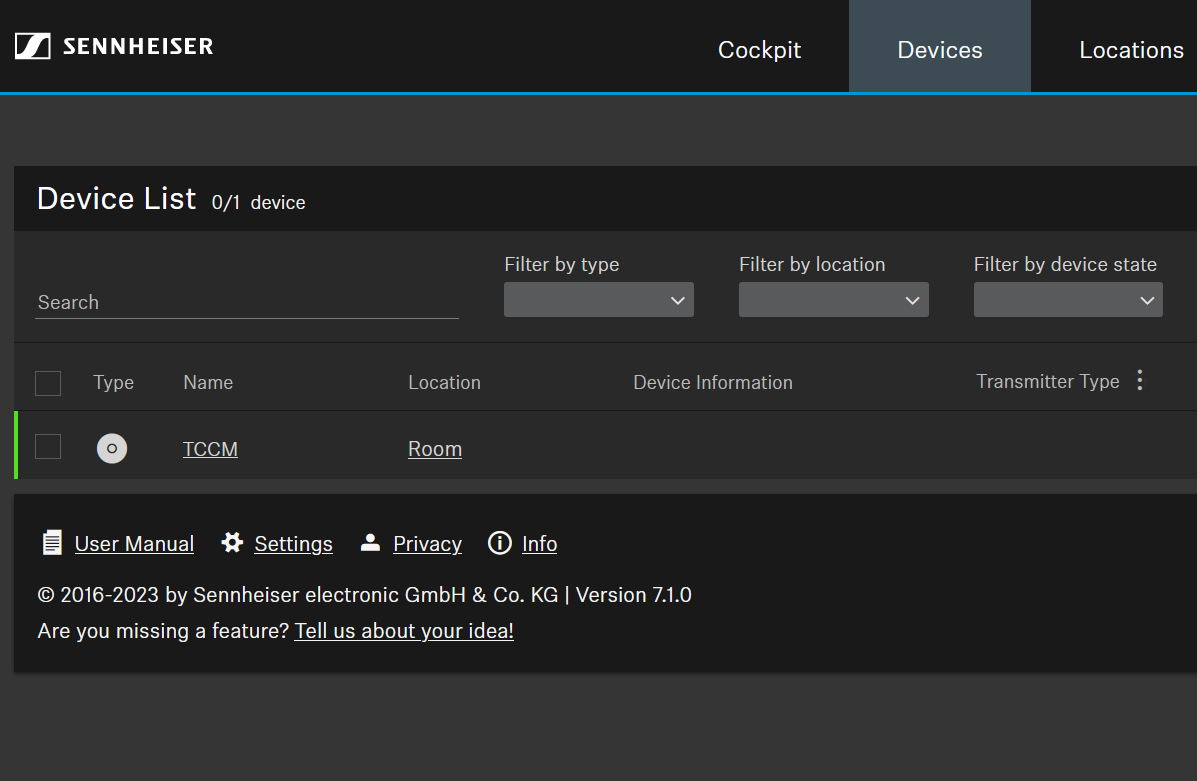
Your TCC M will now show enabled and be fully configurable.
Once done, proceed to check the firmware by selecting the TCC M, and go to the Device tab under Properties.